


















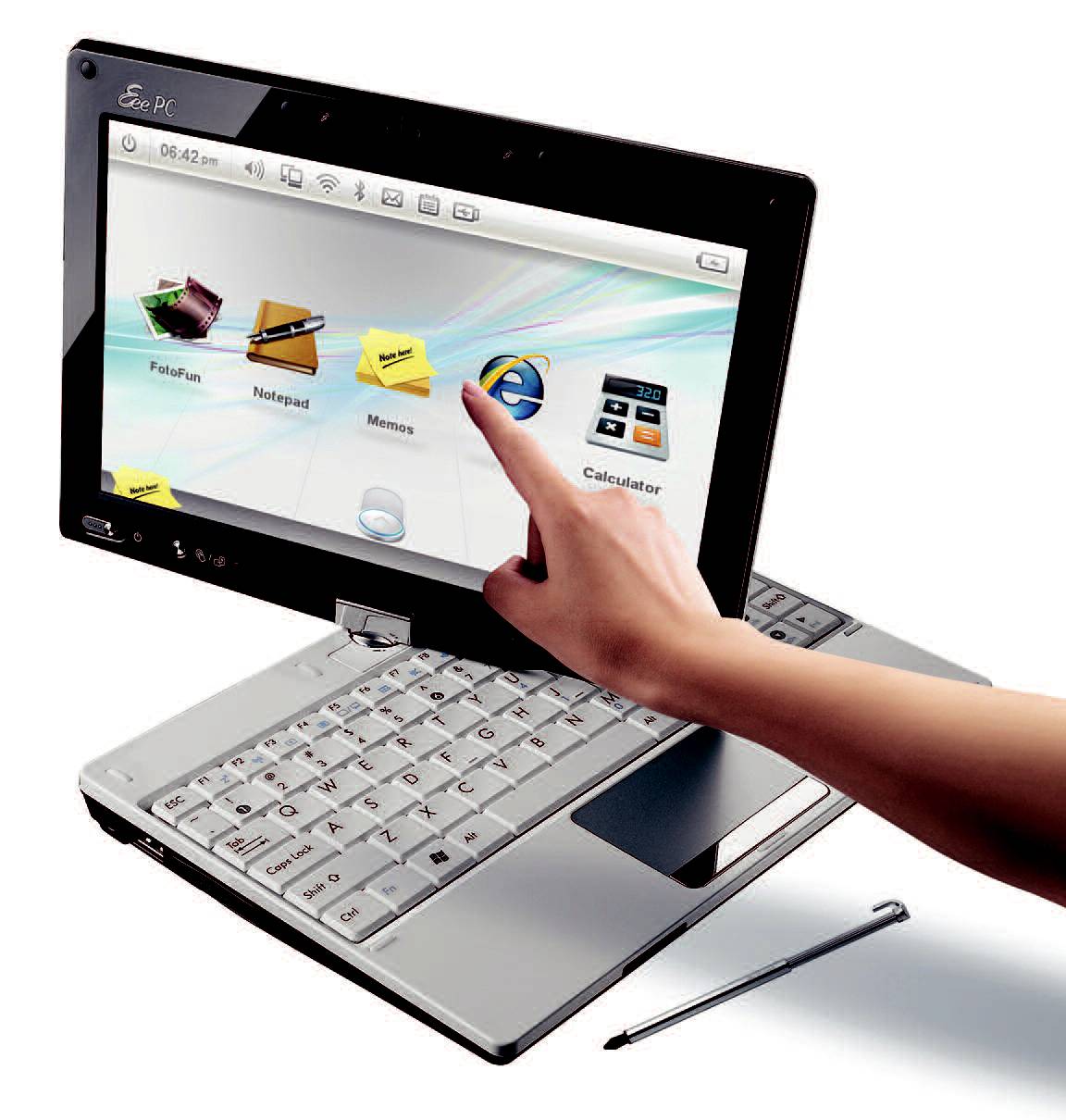
Tip: use your fingers instead, as the sound of the stylus hitting the screen can quickly become annoying. Asus has added a touch-oriented interface to Windows Seven, with icons, menus, widgets and adapted shortcuts. The virtual keyboard is easy enough to use, but unusable in handwriting recognition mode, which is too slow. Unfortunately, you have to enlarge it so much to use it that it hides the text. Above all, the lack of a right-click in touch mode is disconcerting. Using this PC in touch mode resembles using a large PDA.